Video Feedback for Coaching
Review athlete form check videos with timestamped annotations. Athletes upload videos through the messaging interface, and you provide frame-precise technique feedback.
Video feedback transforms remote coaching from guesswork into precision. Athletes upload form check videos, and you add timestamped annotations pointing out exactly what to fix at the exact moment in the lift. Powered by Mux for reliable video processing.
Last updated 2026-04-05
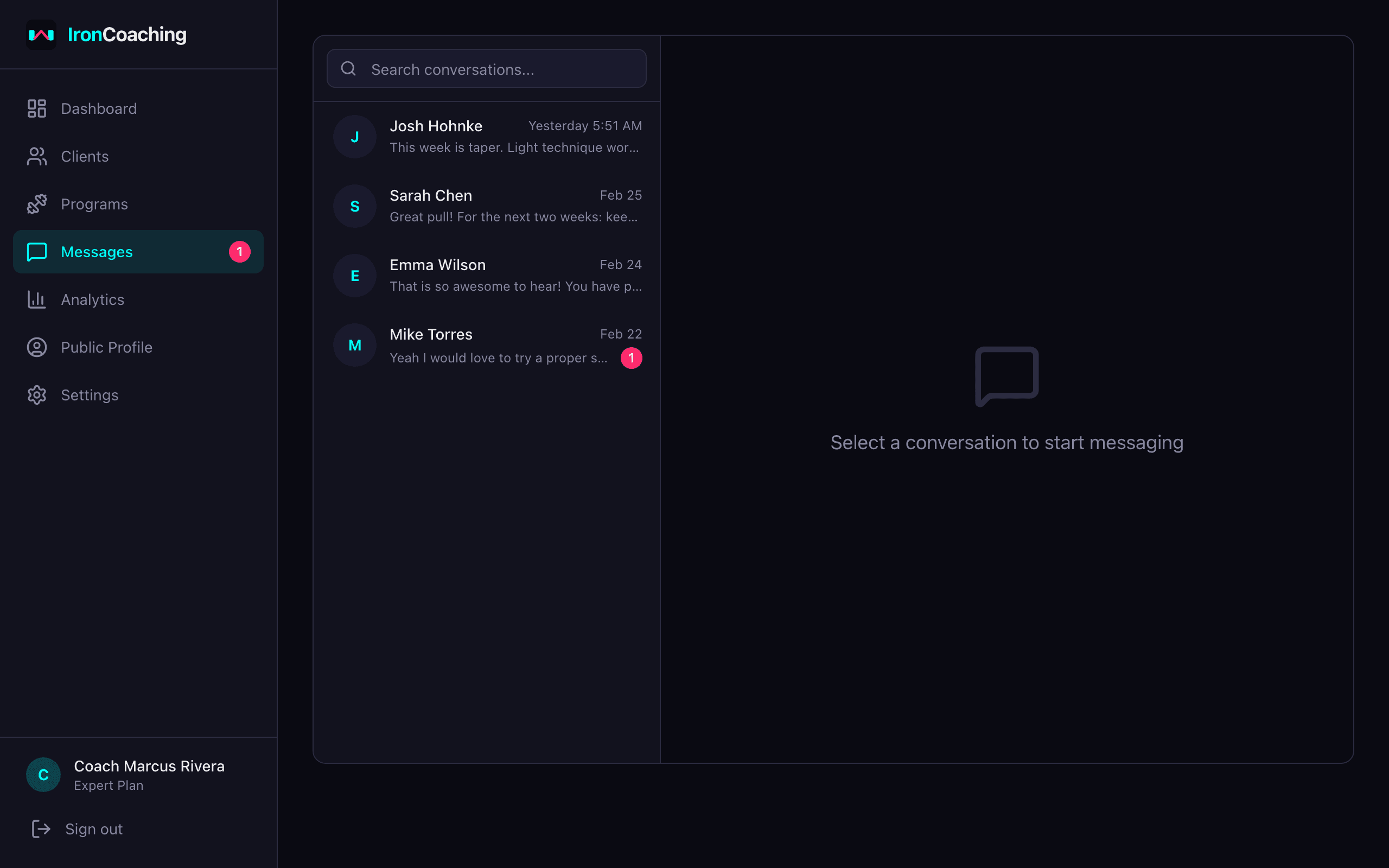
Video feedback lives inside the messaging thread alongside text conversations.
Key Features
Direct Upload
Athletes upload videos directly to the messaging thread. Videos are processed by Mux for reliable playback.
Timestamped Annotations
Add feedback tied to specific timestamps. Athletes see your notes synchronized with the video playback.
Full-Screen Review
Open videos in a full-screen review modal for detailed technique analysis.
Processing States
Videos show processing, ready, and errored states. No broken player experiences.
Mux-Powered
Enterprise-grade video infrastructure handles encoding, streaming, and thumbnails. No self-hosted video servers to manage.
Integrated with Messaging
Video messages appear inline in the conversation thread alongside text messages. Natural coaching flow.
How It Works
- 1
Athlete uploads a video
They record a form check and upload it directly in the messaging thread.
- 2
Video processes
Mux processes and encodes the video. Status updates appear in real time.
- 3
You review and annotate
Watch the video and add timestamped annotations at key moments — "knees caving at 0:03", "hips rising too fast at 0:05".
- 4
Athlete reviews feedback
They play the video and see your annotations synced to the exact timestamps.
Related Features & Solutions
Messaging
Communicate with your athletes directly within IronCoaching. Keep coaching conversations, form checks, and program adjustments in one professional platform instead of scattered across WhatsApp and DMs.
Learn moreClient Management
Manage all your coaching clients from a single dashboard. Track progress, set goals with auto-progress, assign programs, monitor session compliance, and generate per-client AI insights.
Learn moreAI Insights
Get intelligent training analysis, program recommendations, PR predictions with accuracy tracking, and weekly summaries powered by AI. Rate insights to teach the AI your coaching style through a self-improving feedback loop.
Learn moreOnline Strength Coaching
Learn morePowerlifting Coaching
Learn moreSports Performance Coaching
Learn moreFrequently Asked Questions
Video feedback is available exclusively on the Expert plan ($79/mo). It's designed for coaches who provide detailed technique analysis as part of their coaching service.
Mux handles most common video formats including MP4, MOV, and WebM. Videos are automatically transcoded for optimal streaming quality.
There's no strict length limit, but the feature is optimized for form check clips (typically 10-60 seconds). Longer videos work but take longer to process.
While watching a video, you pause at the relevant moment and add a text annotation. The annotation is saved with the timestamp, and when the athlete watches back, your notes appear at the exact moment in the video.
Ready to level up your coaching?
Create your free IronCoaching account and start building programs, managing clients, and growing your business today.