Cancellation
You can cancel your paid subscription at any time. No penalties, no hidden fees.
How to Cancel
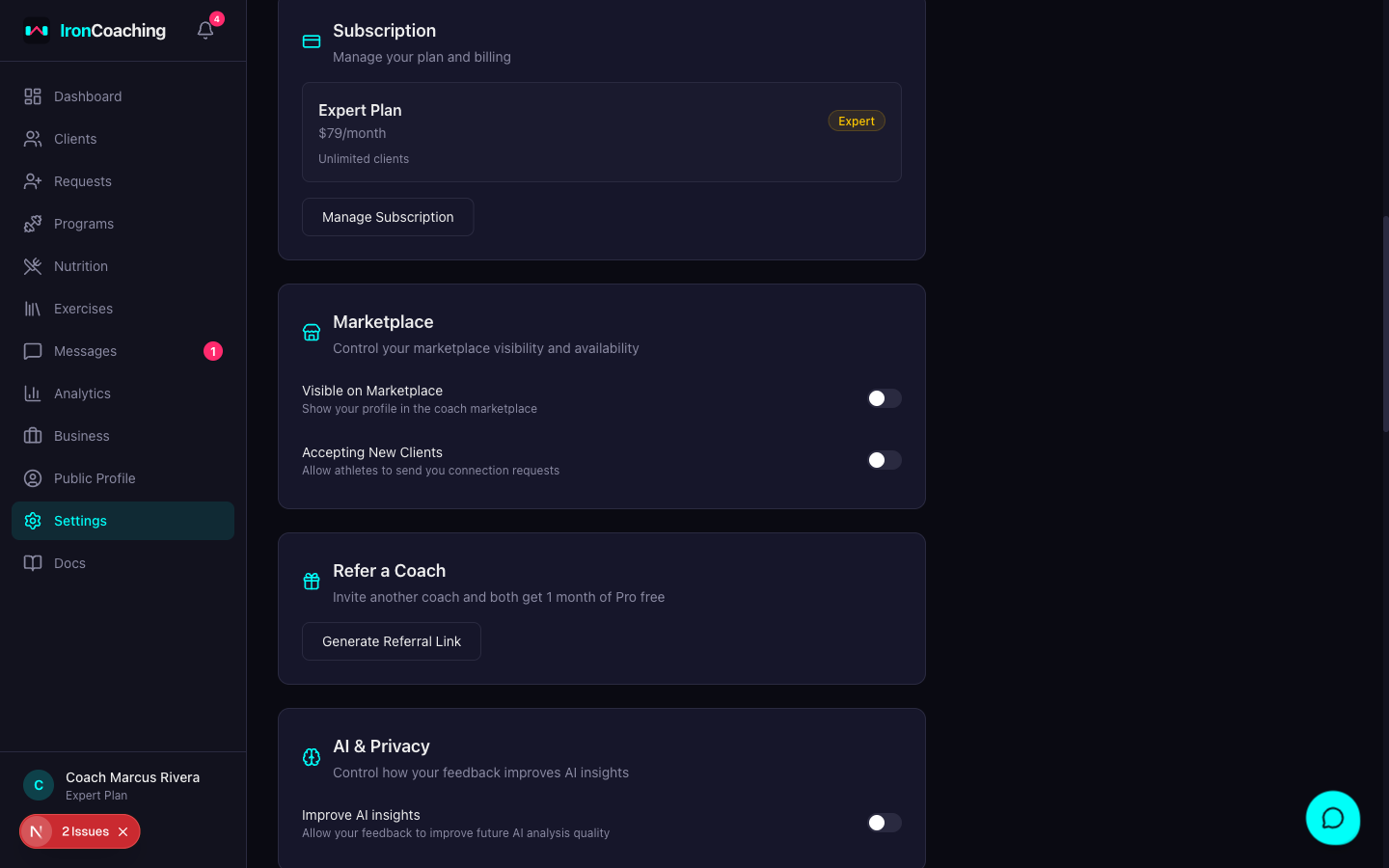
- Go to Dashboard > Settings
- Under “Subscription,” click Manage Subscription
- Click Cancel Subscription in the Stripe portal
- Confirm the cancellation
What Happens After Cancellation
- Your subscription is marked for cancellation
- You continue to have full access to your current plan features
At End of Billing Period
- Your account reverts to the Basic (Free) plan
- Pro/Expert features are locked (messaging, analytics, AI insights, video feedback)
- Client limit drops to 10 — existing relationships are preserved, but you can’t add new clients beyond the limit
What You Keep
- All your programs
- Your marketplace profile
- Your client list (up to 10 active)
- All historical workout data and analytics
- Your public coach profile
What You Lose Access To
- Messaging with athletes
- IronLedger data integration
- Analytics dashboards
- AI insights (Expert)
- Video feedback (Expert)
- Custom-branded exports
Resubscribing
You can resubscribe at any time from Dashboard > Settings. All your data is preserved — nothing is deleted when you downgrade.
Account Deletion
If you want to permanently delete your account and all associated data, contact support@ironcoaching.app. Account deletion is processed within 30 days and is irreversible.
Account deletion permanently removes your profile, programs, client relationships, and all data. This cannot be undone.