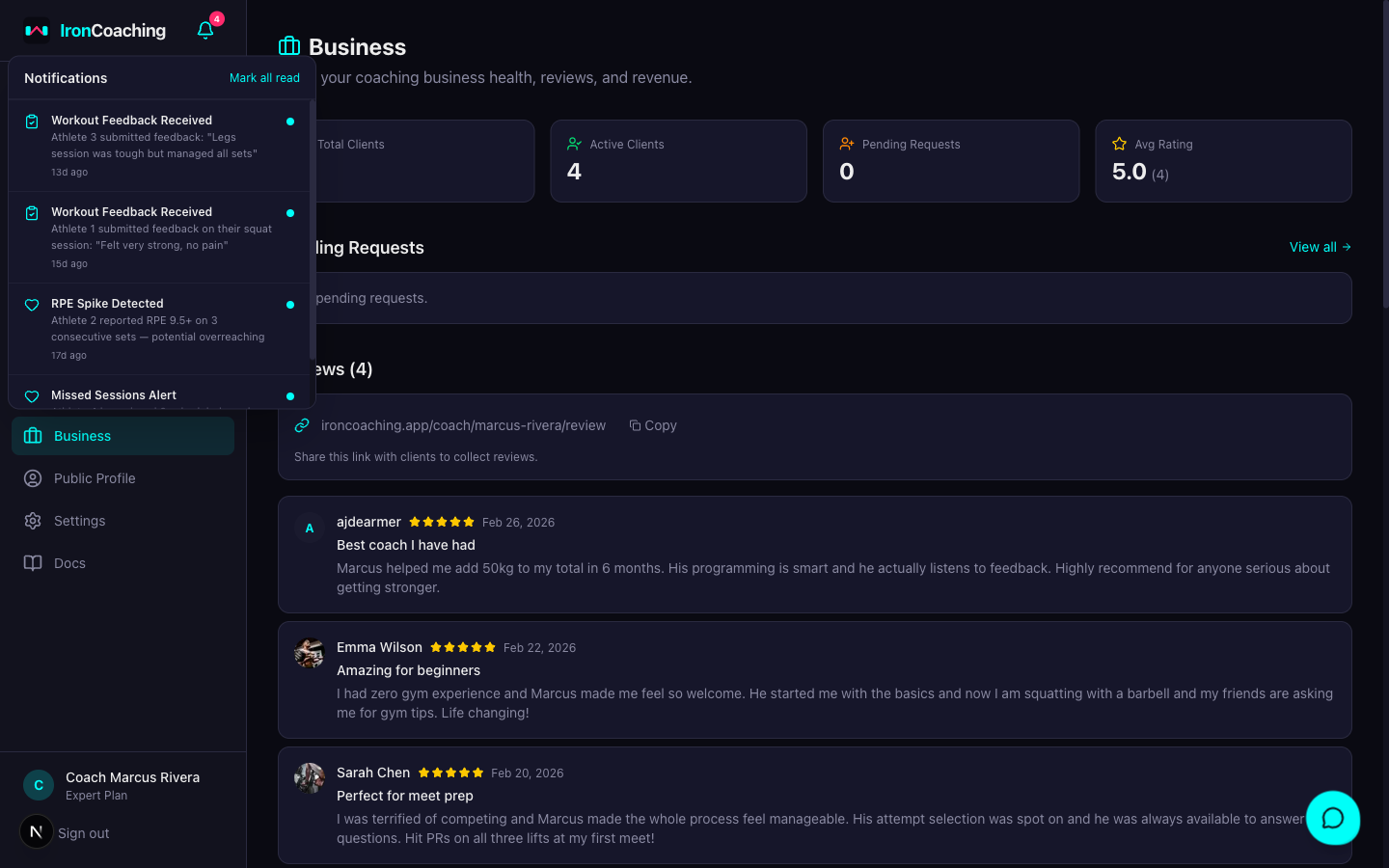
Notifications
IronCoaching keeps coaches and athletes informed through in-app notifications, email alerts, and mobile push notifications.
The notification bell now lives on both the coach sidebar and the athlete sidebar. Athletes get a live counter for new program assignments, video feedback, weekly review responses, and coach messages — tap any item to deep-link to its source.
Notification Types
| Event | Who Gets Notified | Channels |
|---|
| Program assigned/updated | Athlete | In-app, Email, Push |
| New message | Recipient | In-app, Email, Push |
| Workout feedback submitted | Coach | In-app, Email |
| Workout feedback reviewed | Athlete | In-app, Email, Push |
| Health alert triggered | Coach | In-app, Email |
| Client request accepted | Athlete | In-app, Email, Push |
Email Delivery
Each notification type has a default email frequency:
| Type | Default |
|---|
| Program assigned | Immediate |
| Messages | Delayed (batched) |
| Feedback submitted/reviewed | Immediate |
| Health alerts | Immediate |
| Connection requests | Immediate |
Athletes can manage their notification preferences in the IronLedger mobile app under notification settings. Coaches can customize in Settings > Notifications on the web dashboard.
Push Notifications (IronLedger)
Athletes using the IronLedger mobile app receive push notifications on their device. When they tap a notification, the app navigates directly to the relevant screen:
- Program assigned → Coach’s programs page
- New message → Conversation with that coach
- Feedback reviewed → Session detail
- Health alert → Settings
Athletes can toggle push notifications globally or per-type in the app’s notification settings screen. They can also mute notifications from individual coaches.
For Coaches
When you assign a program or send a message, the notification is sent automatically — no extra steps needed. Your athlete will see it in their IronCoaching client portal and receive an email and/or push notification based on their preferences.