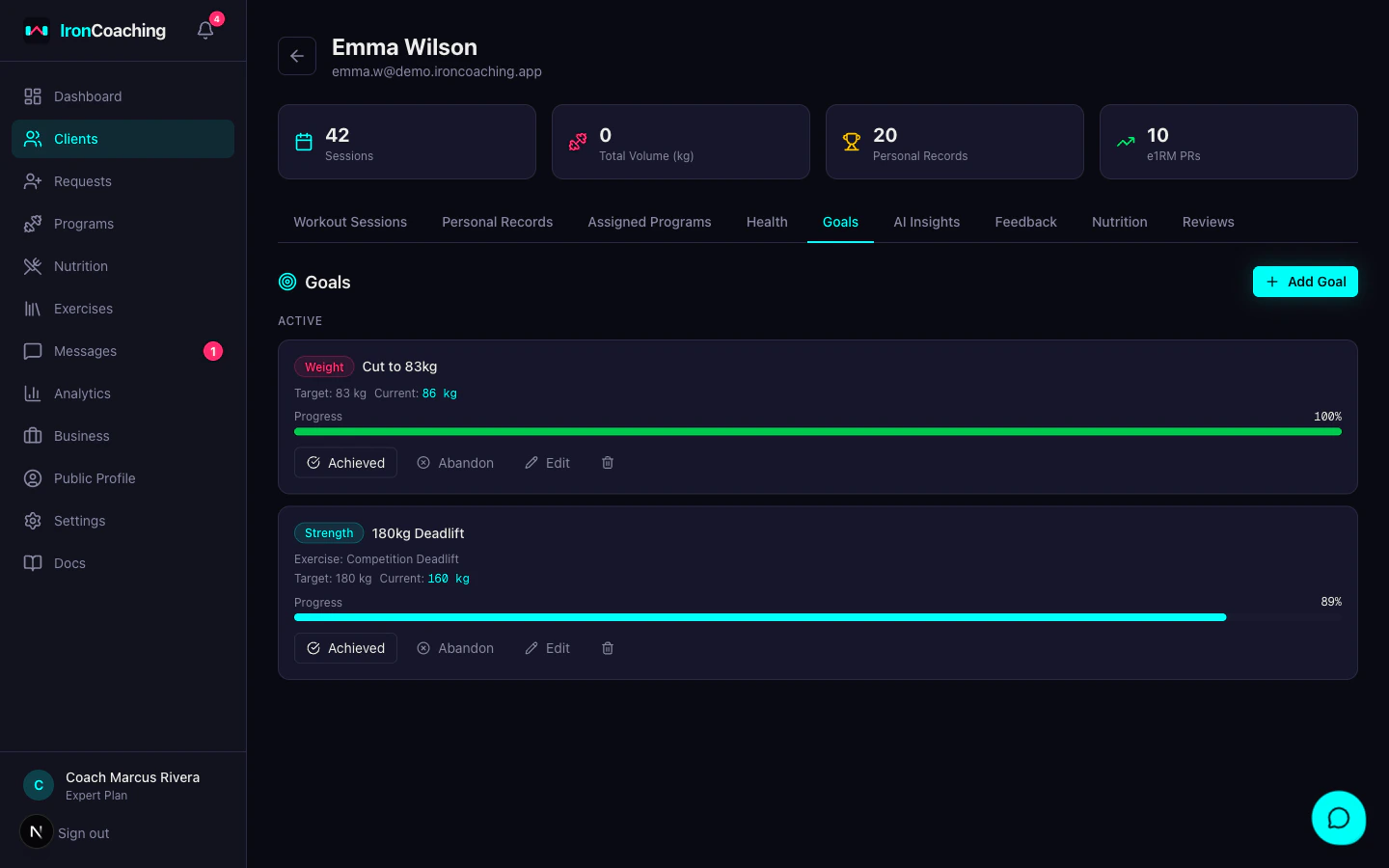
Client Goals
Client Goals requires the Pro plan ($29/mo) or higher.
Setting a Goal
- Go to Dashboard > Clients and open an athlete’s profile
- Click the Goals tab
- Click Add Goal
- Fill in:
| Field | Description | Example |
|---|
| Goal Type | Category of goal | Strength, Weight, Body Composition, Habit, Competition |
| Title | What the athlete is working toward | ”Bench Press 100kg” |
| Target Value | Numeric target | 100 |
| Target Unit | Unit of measurement | kg, lbs, %, sessions/week |
| Target Date | When to achieve it by | 2026-06-01 |
| Exercise | (Strength goals only) Linked exercise | Barbell Bench Press |
| Notes | Additional context | ”Current max is 85kg” |
Goal Types
| Type | Use Case |
|---|
| Strength | PR targets — e.g., “Squat 200kg” |
| Weight | Bodyweight targets — e.g., “Cut to 83kg” |
| Body Composition | Body fat or measurement targets |
| Habit | Consistency targets — e.g., “4 sessions/week for 8 weeks” |
| Competition | Competition prep milestones |
Auto-Progress (Strength Goals)
Strength goals linked to an exercise automatically update their current value when the athlete hits a new e1RM personal record in IronLedger. No manual updates needed.
For example: if you set a goal of “Squat 200kg” and the athlete squats 180kg × 3 (e1RM ≈ 198kg), the goal progress bar updates to ~99%.
Progress Tracking
Each goal shows a progress bar:
| Color | Progress |
|---|
| Green | 100%+ — goal achieved |
| Cyan | 75–99% — on track |
| Yellow | 50–74% — needs attention |
| Pink | Under 50% — behind |
Managing Goals
- Mark as Achieved — celebrate the win, goal moves to completed section
- Mark as Abandoned — goal was deprioritized, moves to completed section
- Edit — update target values, dates, or notes at any time
Set 2–3 goals per athlete to maintain focus. Too many goals dilute effort and make tracking harder.