Removing Clients
When a coaching relationship ends, you can remove a client from your roster. IronCoaching uses a 30-day grace period to prevent accidental data loss.
How to Remove a Client
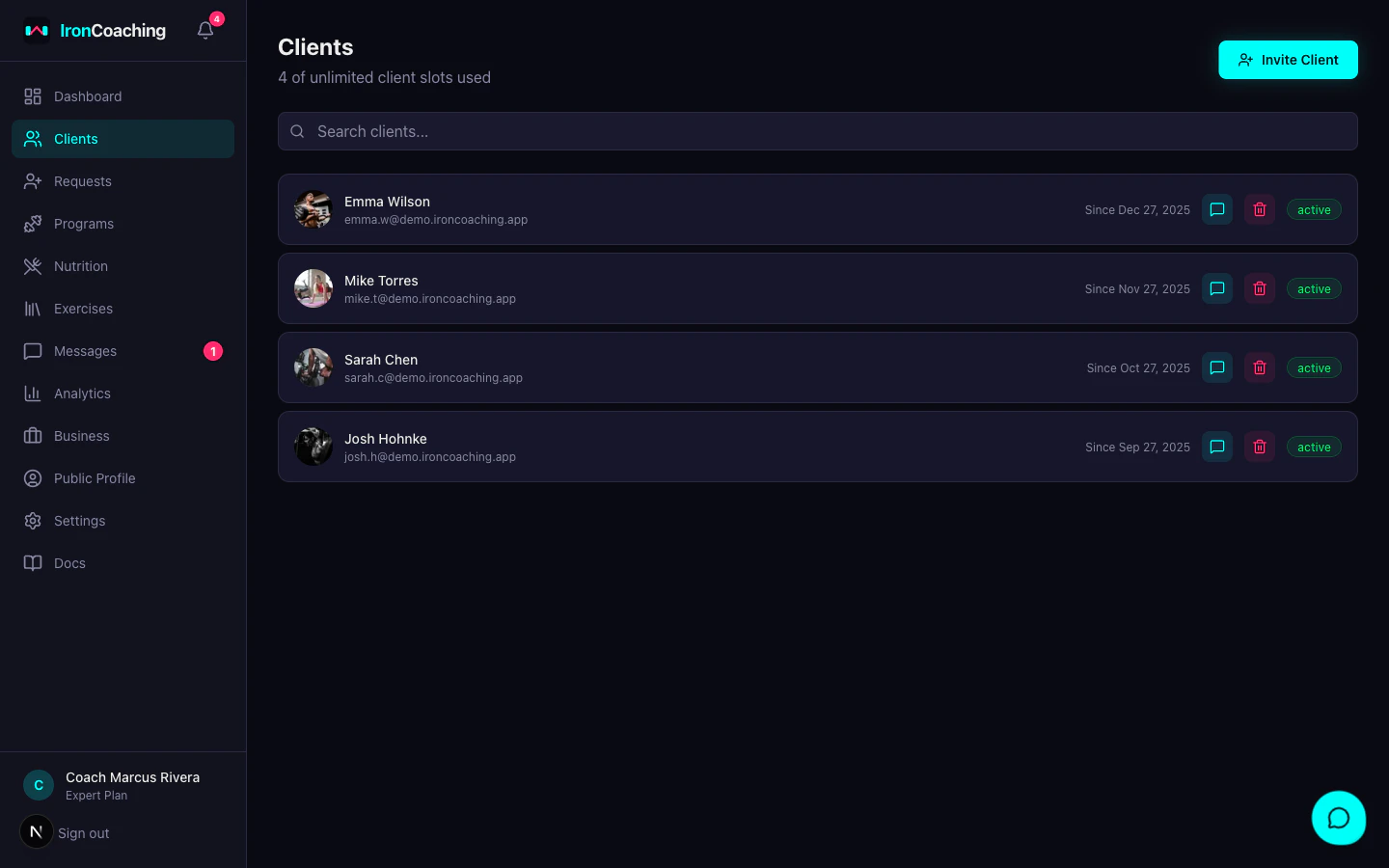
- Go to Dashboard > Clients
- Click the remove icon (trash) next to the client’s name
- Confirm the removal in the dialog
The client is immediately hidden from your active client list but their data is preserved for 30 days.
Grace Period
During the 30-day grace period:
- The client appears in a Removed Clients section at the bottom of your clients page
- You can see the removal date and days remaining until permanent deletion
- All data (sessions, reviews, videos, messages, feedback, goals) is preserved
- The client can no longer access your coaching features
Restoring a Client
Click the Restore button next to any removed client to bring them back. The coaching relationship is restored immediately with all data intact.
Permanent Deletion
After 30 days, the removal becomes permanent:
- All associated data is deleted (sessions, reviews, messages, feedback, goals, predictions)
- Video assets are removed from storage (Mux)
- Your video storage usage is updated accordingly
- This action cannot be undone
After the 30-day grace period expires, all client data is permanently deleted and cannot be recovered.